TABLE OF CONTENTS
MIDIMix in Ableton
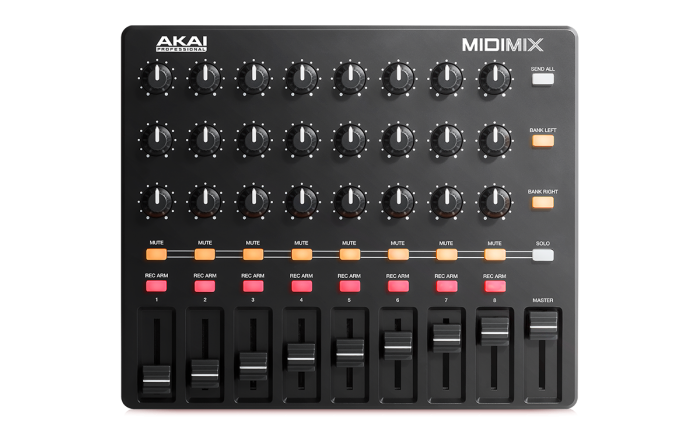
The Akai MIDImix is a controller that was primarily designed for 1:1 integration with Ableton Live and this also includes the LED programming for Ableton.
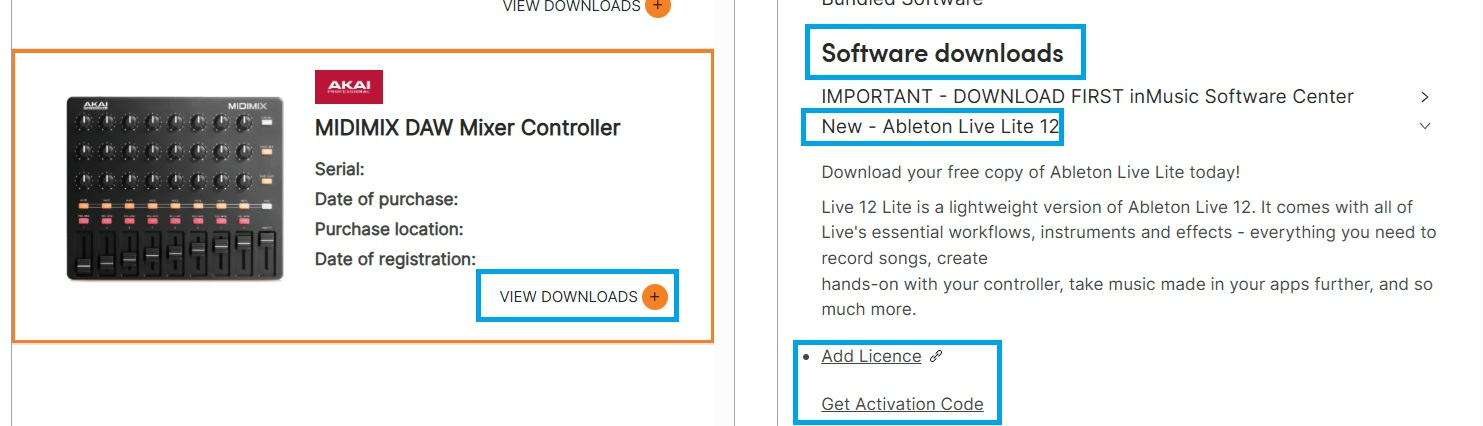
We included a build of Ableton Live Lite which can be downloaded for free when you log in/register your MIDIMix within your inMusic Profile: HERE
MIDIMix in Third Party DAWs/Apps
However, owing to popular demand, we published a free software editor to make this product available to third-party DAW applications, this means the MIDImix can still operate as a generic MIDI controller/Control Surface, and its suitable to use with other DAW's, but manual mapping will be required for bespoke control.
LED Feedback Support
The LED's on the MIDIMix rely on two-way communication between the controller and the DAW. This is why they function in Ableton - because of the built in script programming.
LED feedback support unfortunately cannot be guaranteed to work in every 3rd party DAW/software as some of these platforms may be lacking the correct programming for LED communication.
If you are unable to achieve LED feedback in Ableton, kindly reach out to our support team for further assistance/troubleshooting at: Support : Akai Professional
Related Articles
- Akai Pro MIDImix | Using the Editor for Customisation : Akai Professional
- Akai Pro MIDImix | Setup with Logic Pro X : Akai Professional
- Akai Pro MIDImix | Setup with Steinberg Cubase : Akai Professional