This guide will provide steps on how to use Flex Beat on your MPC standalone hardware.
Flex Beat is an FX player, this means it applies FX based on the activity recorded into the arrangement/grid - such as a drum pattern or some notes from a plugin.
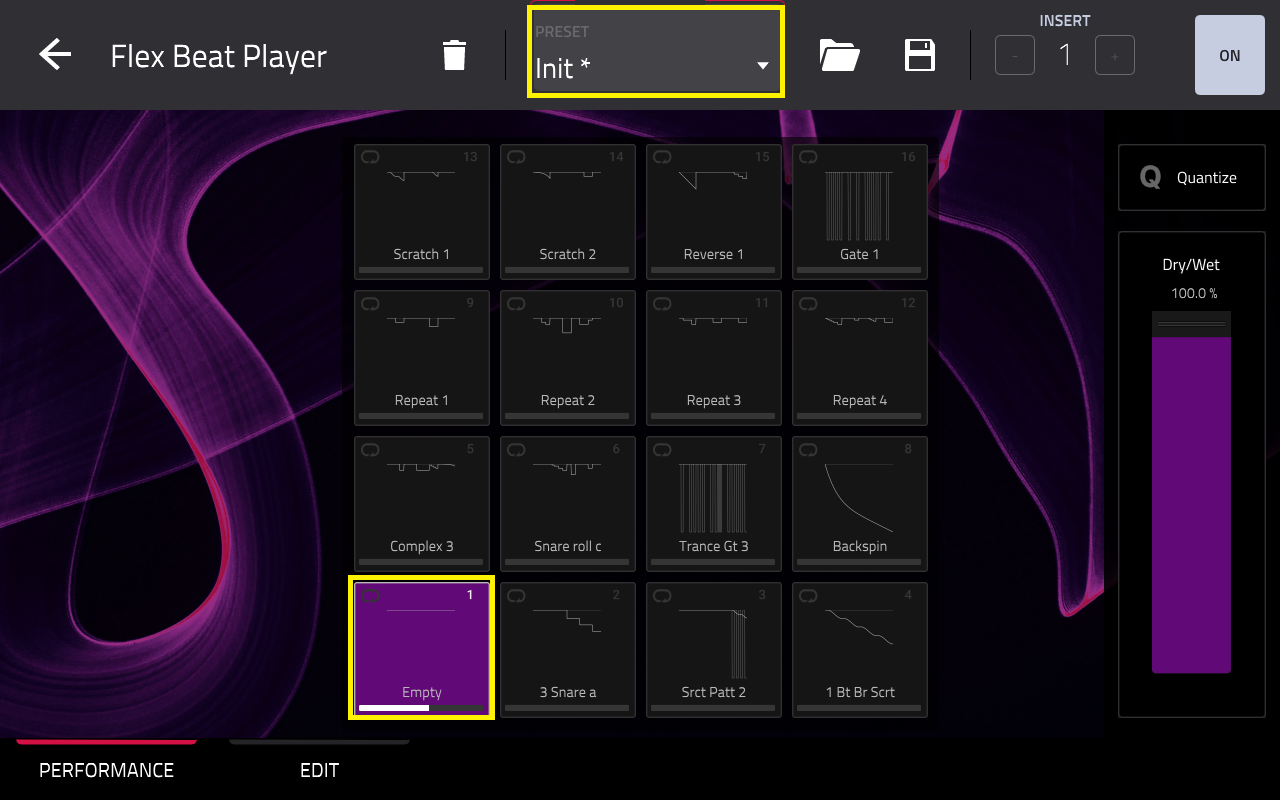
When Flex Beat is loaded - it will select the default 'Init' preset and the first FX slot will be Empty.
At this stage, no FX will be applied to the track yet.
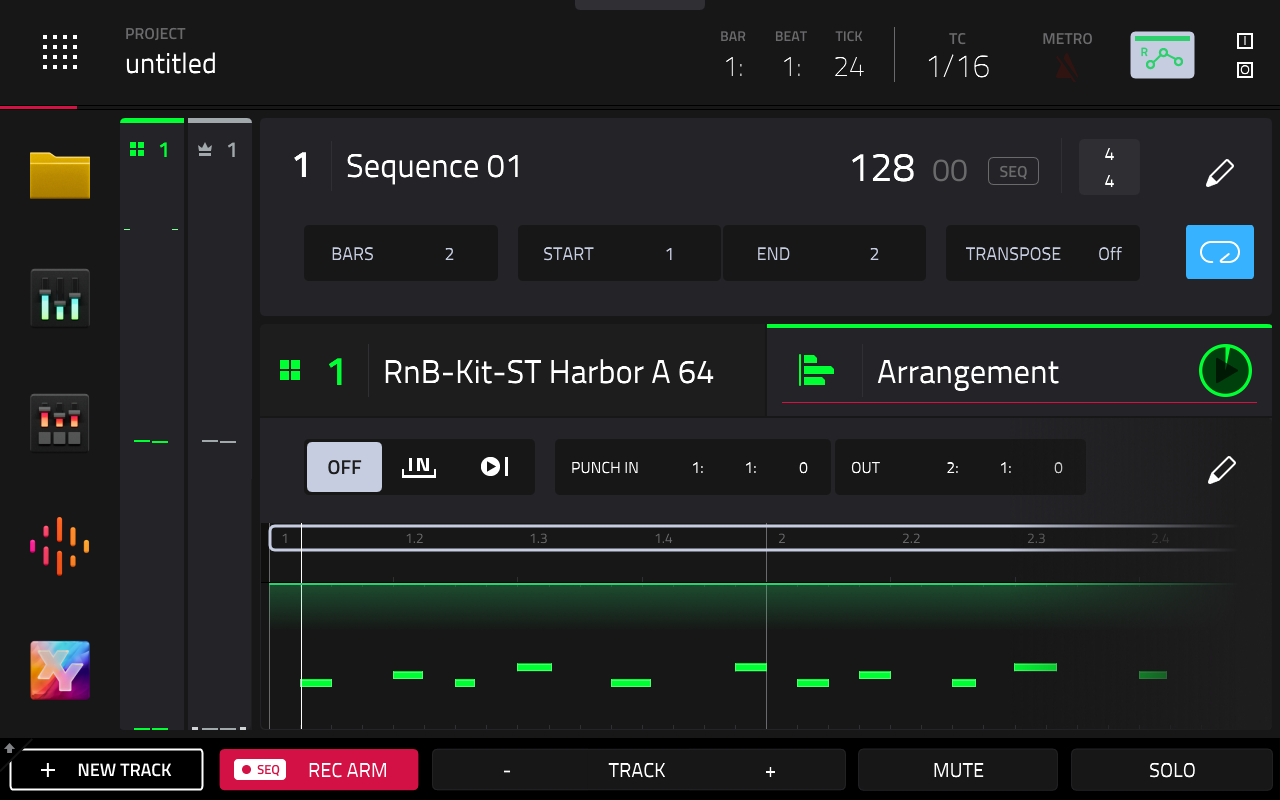
In order for Flex Beat to work, you'll need to first record MIDI into the arrangement - such as notes from a plugin or a drum program.
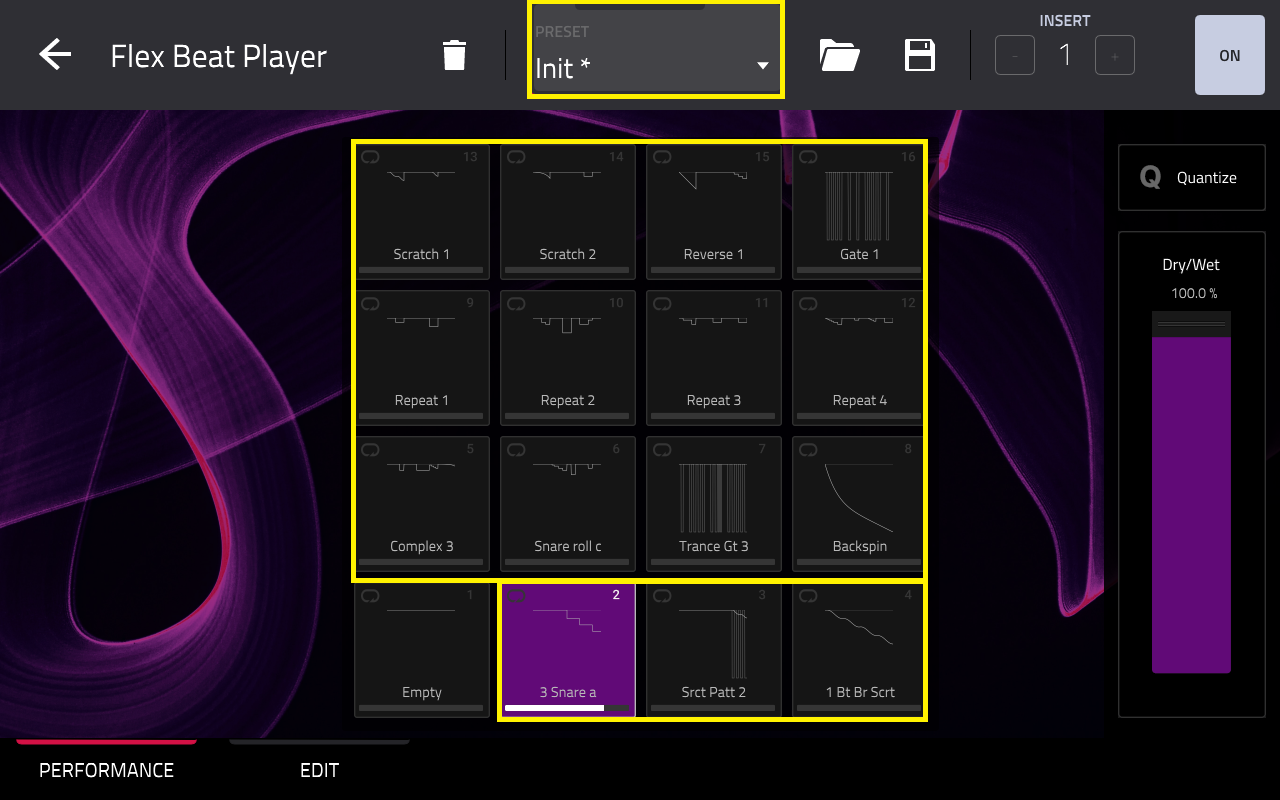
Once done, return to Flex Beat and select any of the 16 FX slots.
Note: If using the Init preset, select FX slots 2-16
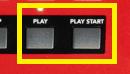
As Flex Beat is an FX player, you will need to press the PLAY or PLAY START button on your MPC in order for the FX to be applied to your track.
Video Tutorial: For further assistance with using Flex Beat, refer to our dedicated overview video tutorial
Note: This overview video demonstrates Flex Beat using firmware 2.15.1 (as this was the current MPC firmware version at the time of Flex Beats' release). Rest assured, Flex Beat works in the exact same way on all succeeding MPC firmware versions