The MPK Mini Plus II comes with analogue Pitch, Gate and Mod CV outputs on the back of the keyboard.
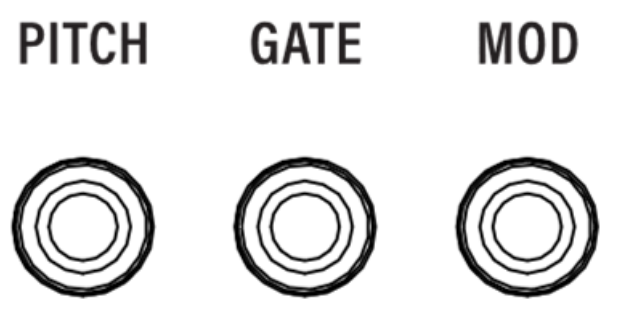
These connections are 1/8" (3.5mm) TS outputs.
- Pitch Out: Sends a control voltage that tells a connected device which note/pitch to play.
- Gate Out: Sends an on/off voltage signal that tells the connected device when a note starts and when it ends.
- Mod Out: Sends modulation data from either the mod wheel or note velocity to control parameters such as filter cutoff, vibrato, or other modulation destinations on a compatible device.
The values of these outputs can be edited within the Global Menu section of the keyboard.
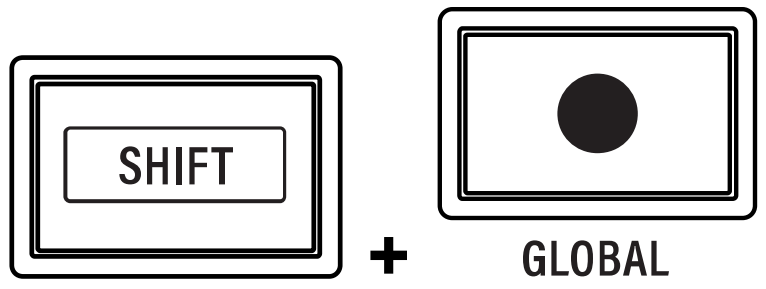
To open the Global Menu, press and hold SHIFT and press the RECORD / GLOBAL button. Use the encoder to browse and edit the following settings.
From this section, the following adjustments can be made to alter the response of the CV outputs:
| Setting | Values | Description |
| CVSrc | Key, 1-16, PAD | This determines the source of CV note on and note off information: KEY: The keyboard controls CV output. The arpeggiator and arp pattern will also send to the CV outs when this is selected. 1–16: Incoming MIDI from USB on the selected MIDI channel (1–16) is sent to the CV outs. PAD: The drum pads control CV output. When this is selected, the 16 drum pads act as a single CV source. The CV PITCH output sends a pitch corresponding to the note number of the selected pad. The CV GATE output will send 5V when a pad is struck, and return to 0V when the pad is released. If the CVMod setting is set to VEL, the velocity of the pad strike is sent to the CV MOD output. |
| CVNP | Last, High, Low | This determines the CV note priority, or which note will be sent via CV when multiple notes are held down: Last: The newest note held is sent. High: The highest note held is sent. Low: The lowest note held is sent. |
| CVGate | Norm, Legat | This determines whether the CV gate is retriggered (Normal) or held (Legato) when a key is held. |
| CVMod | WHL, VEL | This determines the source control for the CV MOD output. When this is set to WHL, the modwheel is selected as the source. When this is set to VEL, the velocity of the note (as played by the keys or pads, including using the arpeggiator or note repeat) is selected as the source. When VEL is selected, a new value is only sent when a new gate signal is received. |
| VCbnd | 1-12 | This adjusts the range of the Pitch Bend Wheel in semitones as it outputs to CV. |
When you are finished editing, press the PLUGIN/DAW button to exit. The Global Menu will also automatically close after three seconds with no activity.